

Windows VPS vs Linux VPS is one of the most common comparisons people make when purchasing their first VPS Server.
At first glance, both options seem very similar. They provide dedicated virtual resources, administrator access, and the ability to host websites, run applications, and manage server environments.
However, choosing the wrong operating system can lead to unnecessary costs, software compatibility issues, and management challenges.
In this guide, we’ll explain the 7 essential differences between Windows VPS and Linux VPS in simple language so you can confidently choose the right solution.
Quick Answer
Choose a Windows VPS if you need:
- MetaTrader 4 (MT4)
- MetaTrader 5 (MT5)
- Remote Desktop (RDP)
- Windows-specific applications
- A familiar graphical interface
Choose a Linux VPS if you need:
- Web hosting
- WordPress hosting
- Python applications
- Docker containers
- Node.js applications
- Lower operating costs
For most websites and development projects, Linux VPS is often the preferred choice. For trading and Windows software, Windows VPS is usually the better option.
Difference #1: Operating System
The biggest difference is the operating system itself.
Windows VPS
Runs Microsoft Windows Server.
Examples:
- Windows Server 2019
- Windows Server 2022
Linux VPS
Runs Linux distributions such as:
- Ubuntu
- Debian
- AlmaLinux
- Rocky Linux
This difference affects software compatibility, management tools, licensing costs, and overall user experience.
Difference #2: User Interface and Ease of Use
Many beginners choose Windows VPS because it feels familiar.
Windows VPS
You access the server using Remote Desktop Protocol (RDP).
It looks similar to a normal Windows computer.
You can:
- Open folders
- Use desktop applications
- Install software through graphical menus
- Manage files visually
Linux VPS
Linux servers are commonly managed through SSH and command-line tools.
While graphical interfaces can be installed, most Linux VPS users manage their servers through commands.
Winner for Beginners
✅ Windows VPS
If you’ve never managed a server before, Windows usually has a shorter learning curve.
Difference #3:
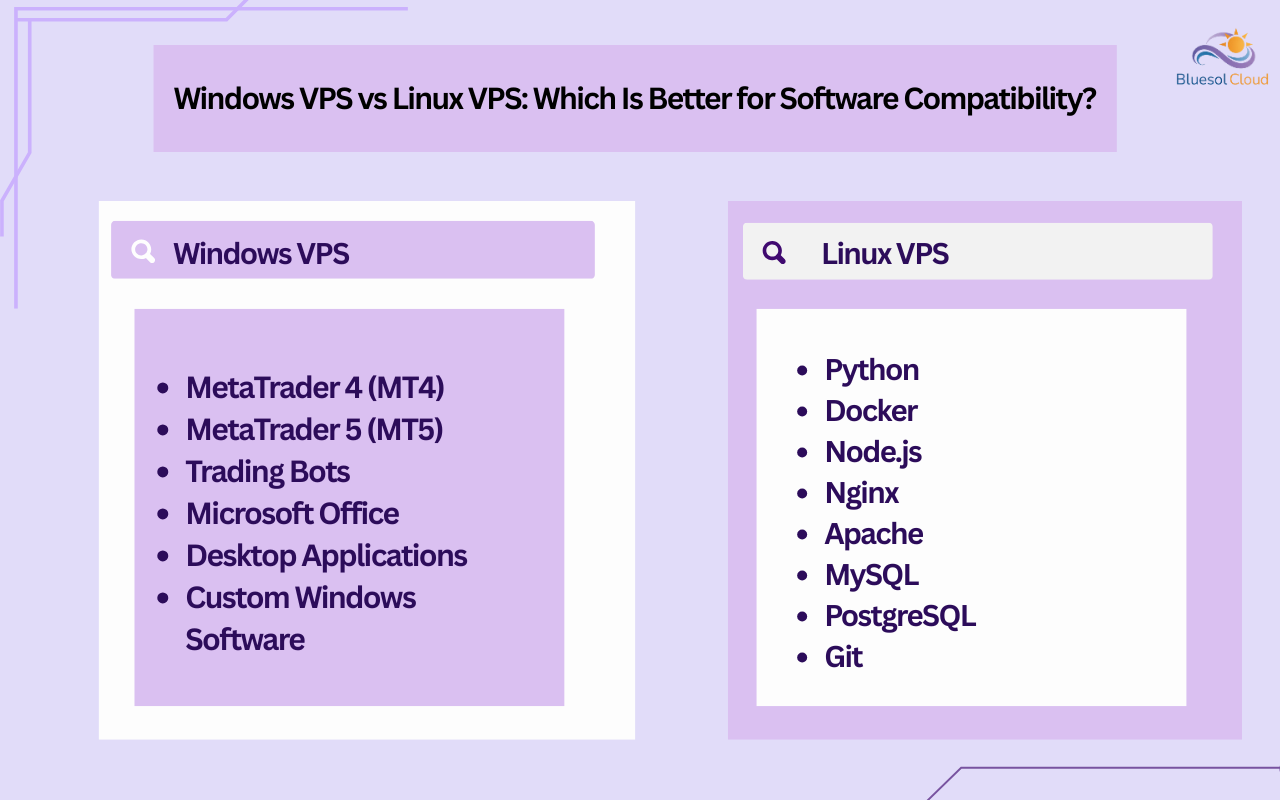
Windows VPS vs Linux VPS: Which Is Better for Software Compatibility?
This is often the most important factor.
Best Software for Windows VPS
- MetaTrader 4 (MT4)
- MetaTrader 5 (MT5)
- Trading Bots
- Microsoft Office
- Desktop Applications
- Custom Windows Software
Best Software for Linux VPS
- Python
- Docker
- Node.js
- Nginx
- Apache
- MySQL
- PostgreSQL
- Git
Real-World Example
A Forex trader using MT5 should typically choose a Windows VPS.
A developer deploying Python applications will usually prefer a Linux VPS.
Compare the software and applications supported by Windows VPS and Linux VPS to choose the right hosting environment.
Difference #4: Pricing and Licensing Costs
Linux VPS plans are generally cheaper.
Why?
Linux is open-source software and does not require Microsoft licensing fees.
Windows VPS plans include Windows Server licensing costs, which increase pricing.
Typical Result
- Linux VPS = Lower Cost
- Windows VPS = Higher Cost
Winner for Budget-Conscious Users
✅ Linux VPS
Difference #5: Performance and Resource Usage
Many people assume Windows VPS is always faster.
This isn’t true.
Performance depends largely on:
- CPU resources
- RAM allocation
- Storage speed
- Network quality
However, Linux usually consumes fewer system resources.
This often means more resources remain available for your applications.
Example
A Python application with 4 GB of RAM may perform more efficiently on Linux than on Windows, even with identical hardware.
Winner for Resource Efficiency
✅ Linux VPS
Difference #6: Security and Stability
Both Windows and Linux VPSs can be highly secure when properly configured.
Security depends on:
- Strong passwords
- Firewall settings
- Regular updates
- Access controls
However, Linux has traditionally been popular among server administrators because of its stability and security-focused ecosystem.
Best Practices for Both
- Enable firewalls
- Keep software updated
- Use strong passwords
- Restrict unnecessary access
Winner
✅ Tie
Both platforms can be extremely secure when managed correctly.
Difference #7: Windows VPS vs Linux VPS: Administrator Access and Server Control
One of the most important differences users consider is the level of server control they receive.
Both Windows VPS and Linux VPS typically provide full administrative access, allowing you to manage the server according to your requirements.
Windows VPS
Windows VPS plans usually provide Administrator access.
With Administrator access, you can:
- Install custom software
- Configure Windows settings
- Manage Remote Desktop (RDP)
- Create user accounts
- Configure firewalls
- Run Windows-based applications
- Install trading platforms such as MT4 and MT5
Linux VPS
Linux VPS plans usually provide Root access.
With Root access, you can:
- Install software packages
- Configure web servers such as Apache or Nginx
- Manage databases
- Create and manage users
- Configure SSH access
- Install Docker containers
- Deploy Python, Node.js, and other applications
What Can You Do With Full Administrative Access?
Full administrative access allows you to:
- Install your own software
- Modify server settings
- Configure security policies
- Create multiple users
- Run custom applications
- Manage files and folders
- Restart services and processes
Which Option Offers More Control?
In practice, both Windows VPS and Linux VPS provide a high level of control.
The primary difference is how that control is managed:
- Windows VPS uses an Administrator account and a graphical interface.
- Linux VPS uses a Root account and command-line tools.
For most users, the choice depends more on software requirements and personal preference than on control limitations.
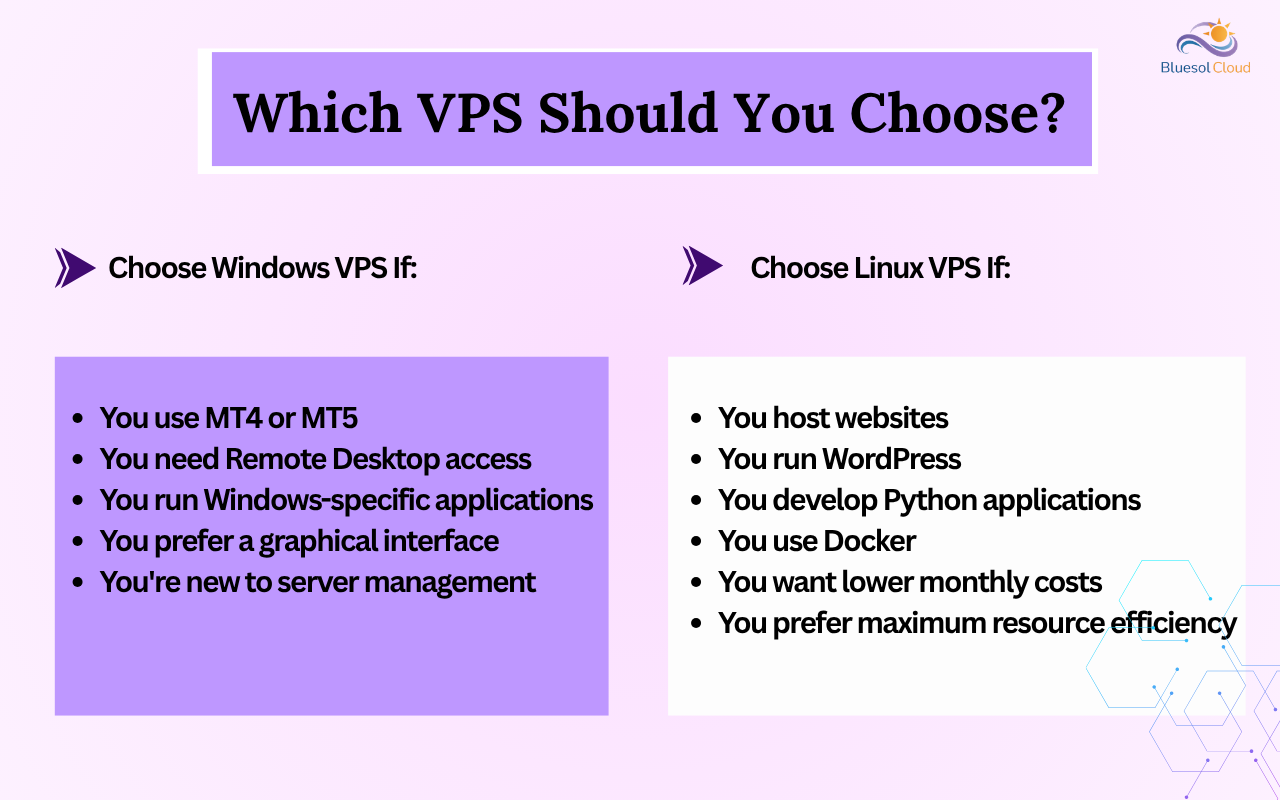
Which VPS Should You Choose?
Choose Windows VPS If:
- You use MT4 or MT5
- You need Remote Desktop access
- You run Windows-specific applications
- You prefer a graphical interface
- You’re new to server management
Choose Linux VPS If:
- You host websites
- You run WordPress
- You develop Python applications
- You use Docker
- You want lower monthly costs
- You prefer maximum resource efficiency
Common Myths About Windows VPS and Linux VPS
Myth 1: Linux Is Only for Experts
False.
Many beginners successfully use Linux VPS servers today.
Myth 2: Windows VPS Is Always Better
False.
The best choice depends on your software requirements.
Myth 3: Linux Cannot Run Business Applications
False.
Many enterprise applications run on Linux infrastructure.
Frequently Asked Questions
Which is cheaper, Windows VPS or Linux VPS?
Linux VPS plans are usually more affordable because they don’t require Windows licensing.
Can I run MT4 or MT5 on Linux VPS?
Windows VPS is generally the recommended choice for MetaTrader platforms.
Which VPS is best for WordPress?
Linux VPS is usually preferred for WordPress hosting.
Can I install my own software?
Yes. Both Windows VPS and Linux VPS typically provide administrator-level access.
Windows VPS vs Linux VPS: Which One Is Better for Beginners?
Windows VPS is often easier for beginners because of its familiar graphical interface.
Many beginners researching Windows VPS vs Linux VPS focus primarily on pricing, but software compatibility is often more important.
Which VPS is better for developers?
Linux VPS is widely preferred by developers because of its flexibility and efficiency.
Conclusion
Understanding the differences between Windows VPS vs Linux VPS can save you time, money, and frustration.
If your workload depends on MT4, MT5, Remote Desktop, or Windows applications, a Windows VPS is usually the right choice.
If you’re hosting websites, deploying Python applications, using Docker, or looking for a cost-effective solution, Linux VPS is often the better option.
Choosing the right VPS isn’t about which platform is better overall—it’s about selecting the platform that best matches your specific requirements.